Hear the alarm
A real alarm sounds at your scheduled time, even when your iPhone is in Silent mode or Focus is on.
It sounds through Silent mode and Focus. A dose is only marked as taken after a fresh photo from the camera in the app.
Free. No account needed.
iPhone with iOS 26.1 or later.
See how the alarm, camera and history fit into your daily routine.
A closer look at Lekobudzik
coming soon
From the first ring to a record in your history. All on your iPhone.
A real alarm sounds at your scheduled time, even when your iPhone is in Silent mode or Focus is on.
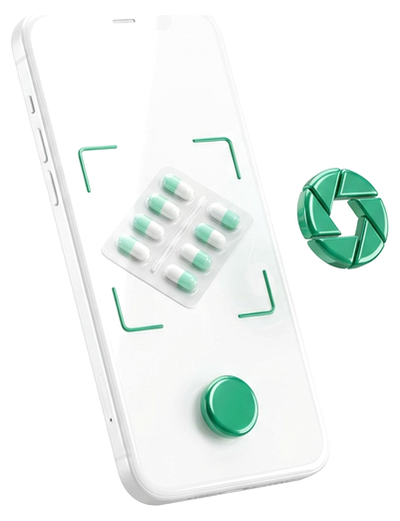
Open the camera in the app and photograph the package or blister pack. Only an accepted photo marks the dose as taken.
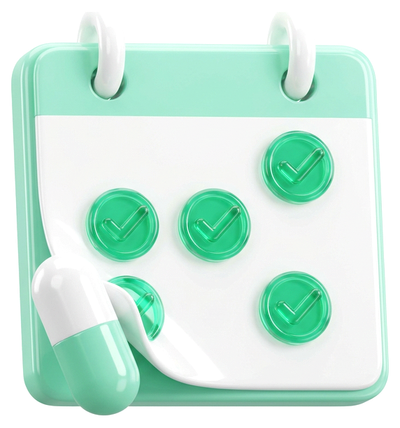
The dose appears in your history. If you enable export, it also appears in a separate "Medications" calendar in Apple Calendar.
You can stop the alarm. The dose still needs a photo.
You can snooze the alarm up to 2 times for 30 minutes each. Snooze is available at the first two alarm stages.
Stopping the alarm without a photo doesn't record the dose as taken. After "Stop", a reminder returns in 5 minutes while the dose window is open. Scheduled alarm stages also run every 30 minutes.
Photos are accepted from 1 hour before the scheduled time until 2 hours after it. This is the app's recording window, not advice about when to take your medication.
Without an accepted photo, the dose is marked "Missed" and its alarms stop. Your history also shows the days when things didn't go to plan.
Take a photo in the app for a specific dose. You can't import an old photo or prepare confirmations in advance.
Set 1 to 6 different times a day for each medication. Its name, times and optional package photo help you find it in the list.
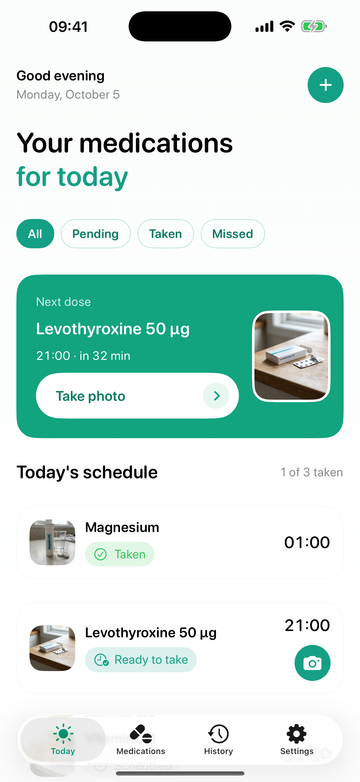
See what you've taken and what's still due. No digging through notifications.
Your next dose and a clear plan for the day.
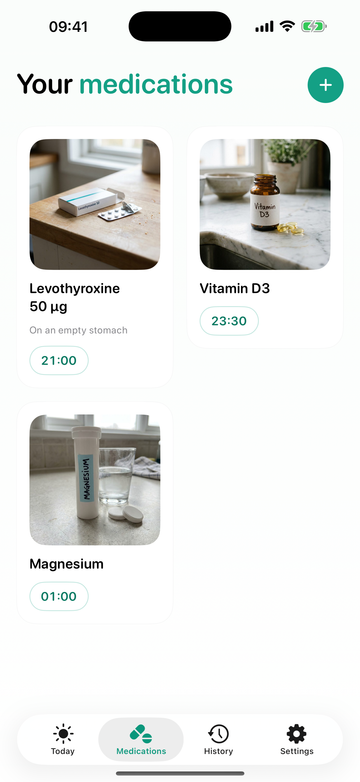
Your packages and scheduled times.
No accounts. No app data on our servers. No analytics.
Read the privacy policyMedications, history and photos are saved on your phone. We don't receive them.
Dose photos are deleted after 30 days when the app cleans up its data. Package photos stay until you change or remove them.
The "Medications" calendar is your optional log in Apple Calendar. It may sync through iCloud. App data may also be included in Apple backups, depending on your settings.
Yes. Lekobudzik uses system AlarmKit alarms that sound through Silent mode and Focus. You need to allow alarms for the app in iOS first. A banner on the "Today" screen tells you if permission is missing.
You can record a dose with a photo until 2 hours after its scheduled time. After that, the app marks it as "Missed". There is no manual confirmation without the camera. The app's window doesn't change your medication instructions. Follow your doctor or pharmacist's advice about a missed dose.
No. It requires a fresh photo from the camera in the app, taken within the dose window and with enough light. Lekobudzik doesn't identify the medication or confirm that you swallowed it.
It's currently available only for iPhone with iOS 26.1 or later. There is no version for Android, iPad or Apple Watch.
Lekobudzik is free. You don't need an account to use it.
Alarms let the app remind you when medication is due. The camera lets you take fresh photos. Optional full calendar access lets the app create a separate "Medications" calendar and record doses taken. The app doesn't ask for access to your photo library.
No. It's a tool for reminders and recording doses. It doesn't replace advice from a doctor or pharmacist, choose medications or set dosages.
Give your reminders a place of their own.
Free for iPhone with iOS 26.1+.